

Using Sudometrics is simple
All you need is a packet of two sudomotor sweat function pads (one for each foot) and the Sudometrics app. The app will guide you through each step, so your feet are in good hands.
Before you start, make sure you have plenty of time and will not be disturbed halfway through. You will need about 20 minutes in total for the test.
Getting ready
Step 1 Download the Sudometrics app

- Search for Sudometrics on the App Store for Apple devices or on the Google Play store for Android devices.
- Install the app on your device.
Step 2 Choose your language
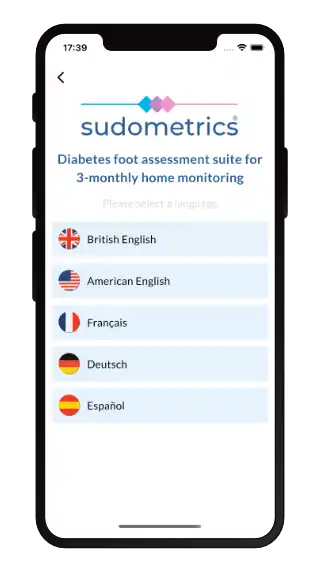
- The Sudometrics app is available in British English, American English, French, German and Spanish.
- Select the language that you would like to use for the app.
Step 3 Create a new account
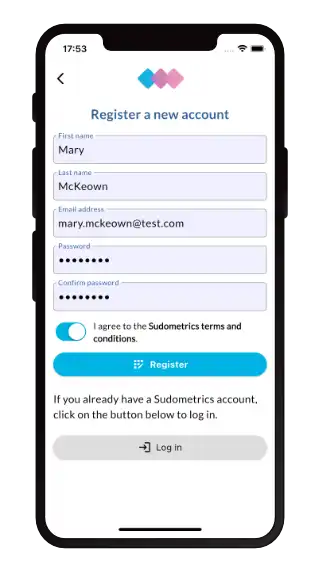
- Create a new account using your email address and a password.
- You can also log in using your Google account.
- All of your Sudometrics data will be associated with this account and stored securely.
- All personal data is encrypted and is not made available to any other users of the system.
Running the test
Step 1 Start a new test
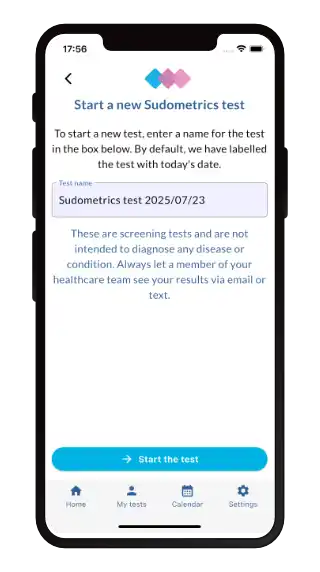
- Start a new test and the app will guide you through the subsequent steps.
- You can then use the app to compare the test against previous other tests and to provide your healthcare professional with data to support an optimised treatment plan.
Step 2 Remove all footwear
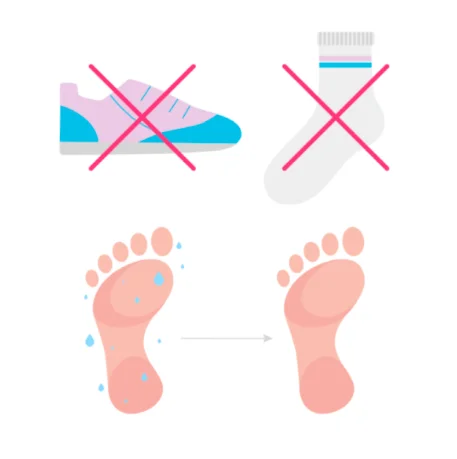
- Remove your shoes and socks or stockings, so that your feet are bare.
- Wash and then thoroughly dry your feet.
Step 3 Wait for 5 minutes
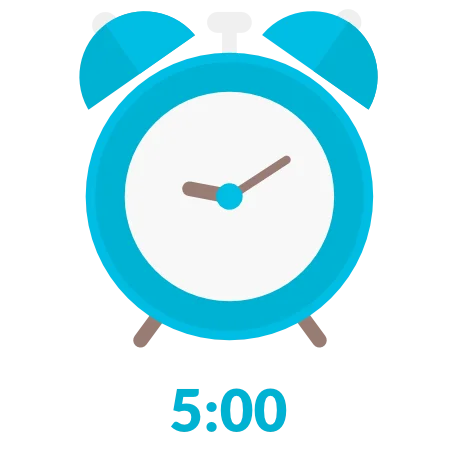
- Now wait at least five minutes to let the feet acclimatise to the environment.
- Make sure your hands are also clean and dry to ensure that no moisture is transferred to the pads.
- It’s vital to ensure that feet and hands are completely dry, so that the tests can be as accurate as possible.
Step 4 Open the outer pack

- Open the outer cardboard pack of the sudomotor (sweat) function test (SFT).
- Remove the user instruction card and foil packet.
- The instruction card provides guidance similar to this page.
Step 5 Open the inner foil packet
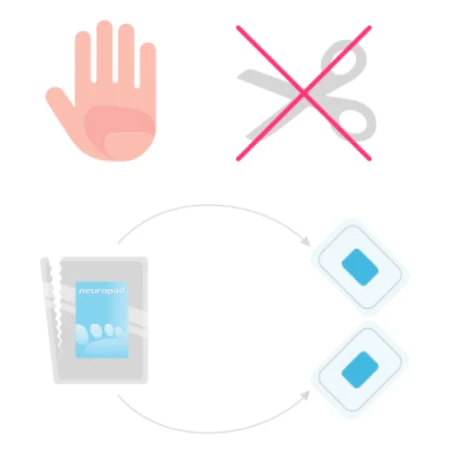
- Open the silver-coloured foil pack by tearing down from the marked notch.
- Remove the two plastic sleeves which contain the sweat function test pads (one for each foot).
- Do not use scissors to open the pack.
Step 6 Remove the pads from the foil packet
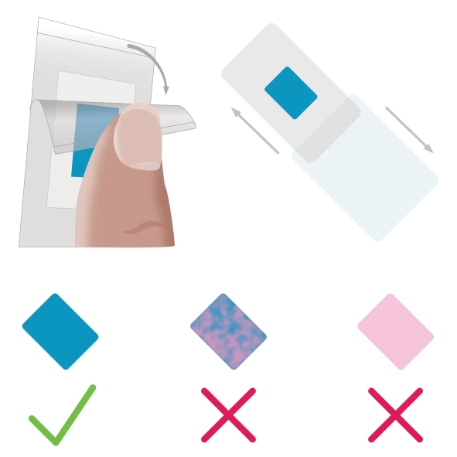
- Remove the pads from the foil packet.
- Ensure that each pad is blue and has no signs of pink.
- If there is any pink present, please discard the pad and stop the testing.
Step 7 Apply the sudomotor (sweat) function test
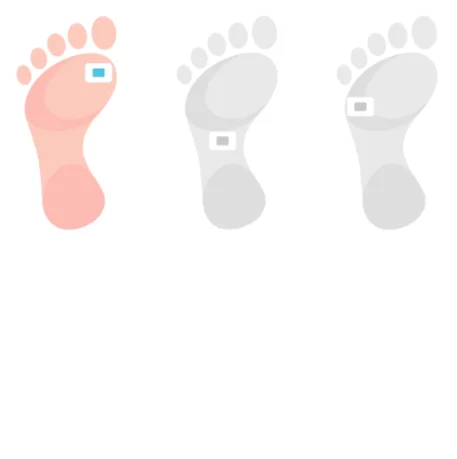
- Choose a position on the sole of your foot to apply the pad, ideally on the ball of the foot as shown (far left picture).
- If the ball of the foot has a lot of callus, apply the pad to one of the two alternative positions.
- Place the pad in the same spot each time to help track progress more accurately.
- During the 10-minute testing, ensure that you keep your foot raised and that the part of the foot where the pad is attached is off the floor.
Step 8 Wait for 10 minutes
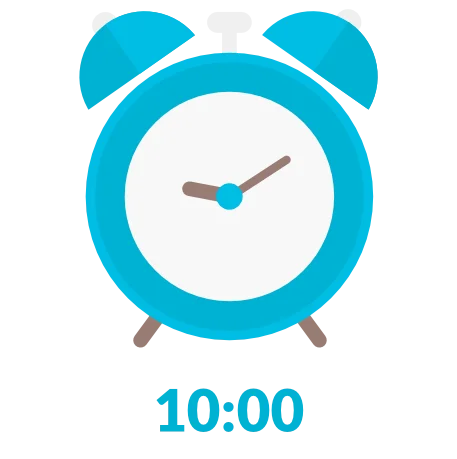
- Start the countdown as soon as you have stuck the sudomotor (sweat) function test pad on to the sole of the foot.
- Do not remove the pad until 10 minutes have elapsed.
Step 9 Carefully remove the pad from your foot
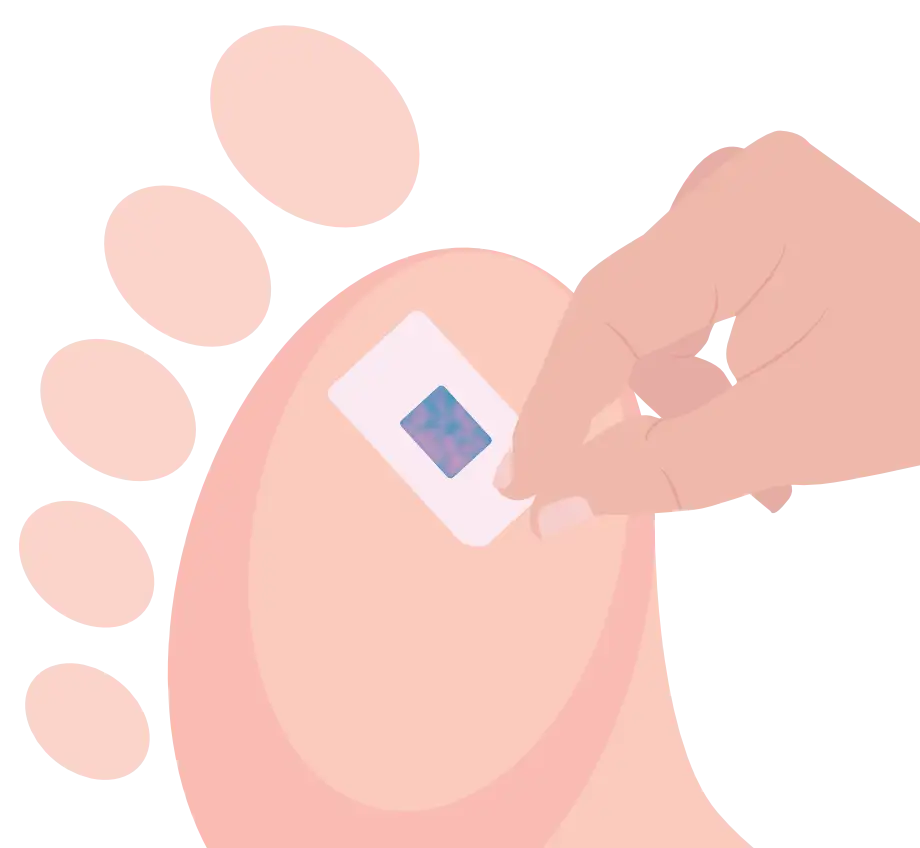
- Carefully peel the sudomotor (sweat) function test from your foot, taking care not to touch the coloured central rectangle.
- Get the mounting card ready.
Step 10 Stick the pad to the mounting card
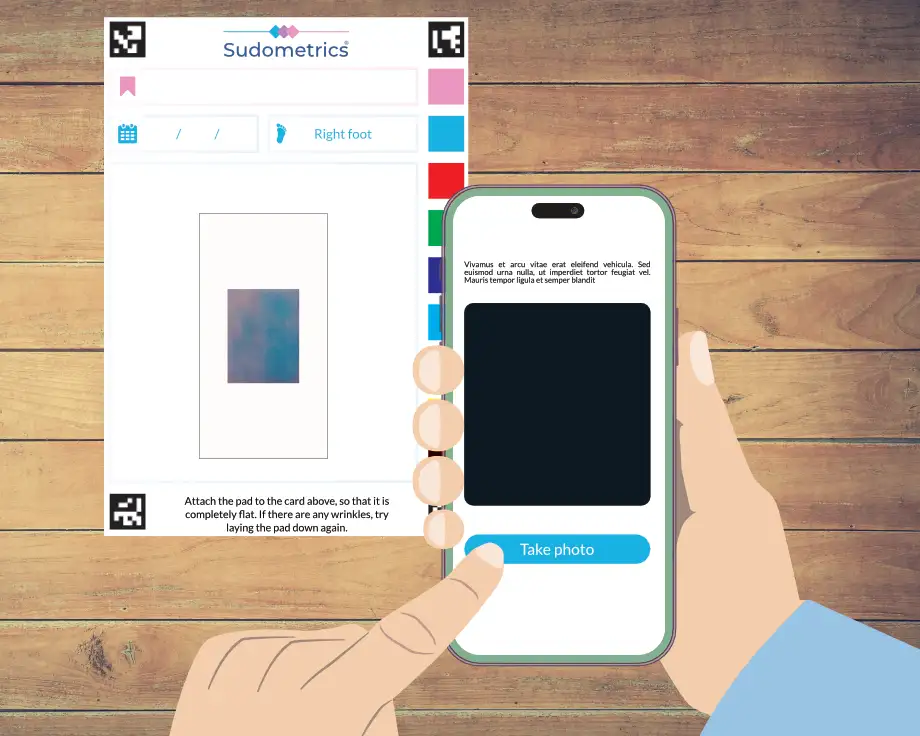
- Stick the pad to the supplied mounting card, taking care to stick the pad from the left foot to the card which has left foot marked on it, and the pad from the right foot on the right foot mounting card.
- If the pad is not quite flat, lift it up and try again.
- Then, using the Sudometrics app, take a picture of the mounting card and pad.
Using the results
Step 1 View the results
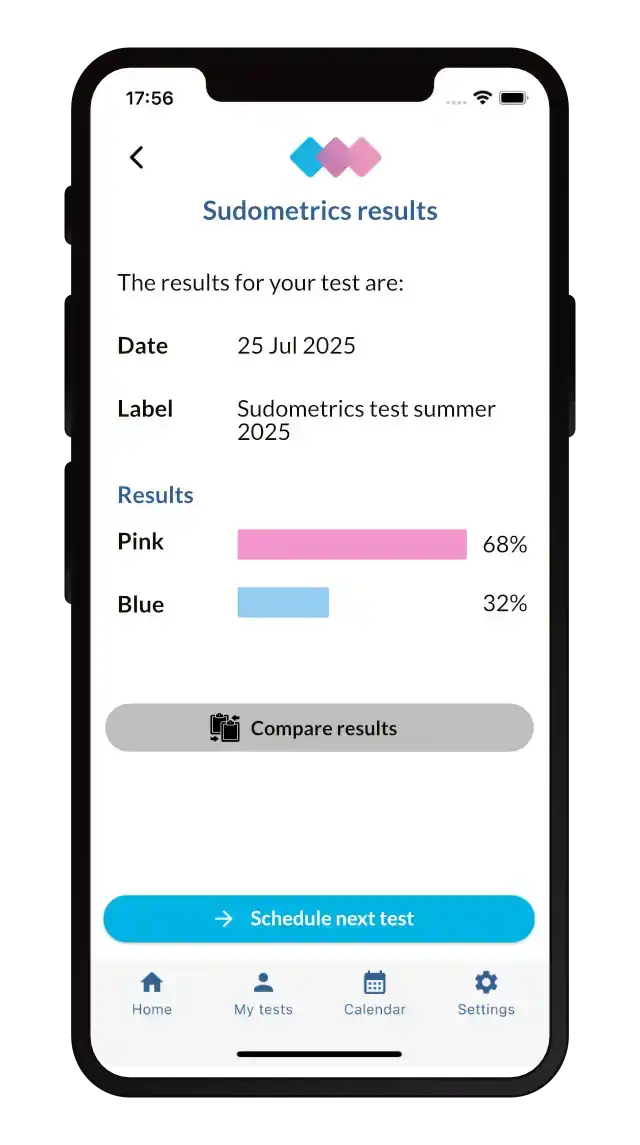
- The app works out the degree to which the pad has changed colour from blue to pink.
- The more pink the result, the better your feet can produce sweat, i.e. less serious damage to the sudomotor function.
- From this screen, you can compare results against previous ones and schedule in your next test. The Sudometrics app will automatically notify you when the time is right.
Step 2 Compare results
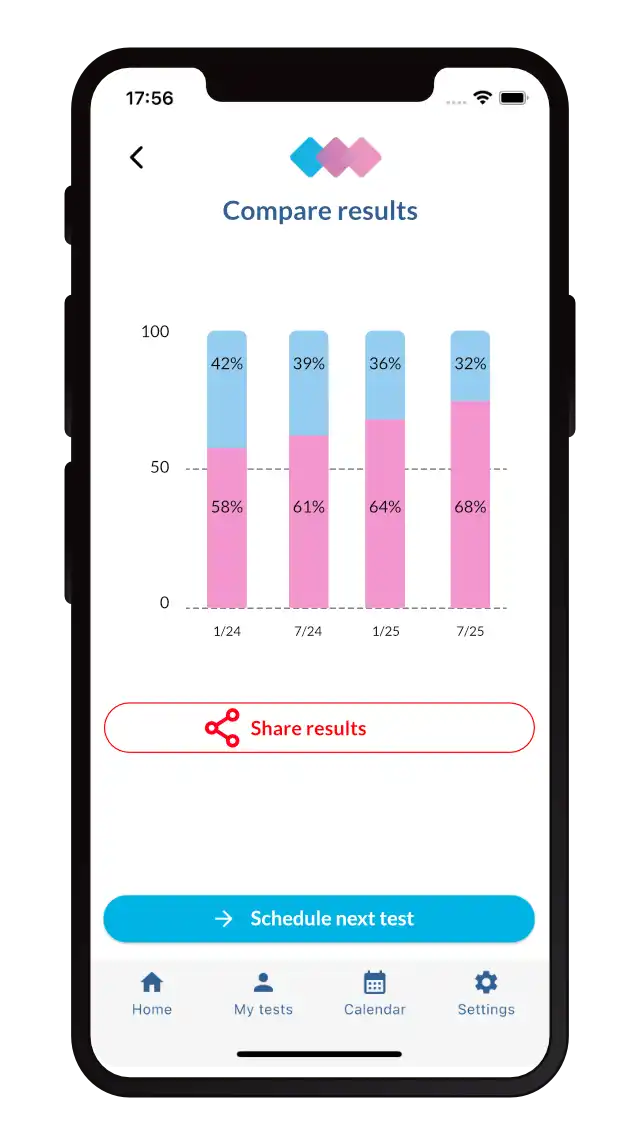
- Use the Sudometrics app to show a comparison between the results of all the tests that you have run.
- You can use this comparison as a simple, visual way of illustrating how your treatment is progressing and to help inform your medical professional for future clinical plans.
- You can also use this screen to share the results with your chosen medical professional.